 AWS DOCUMENTATION38 source-matched resource guides
Less guessing.
More building.
From your first installation to the settings that make it yours. Find the right guide for every AWS resource, all in one place.
Find your script
 Vehicles
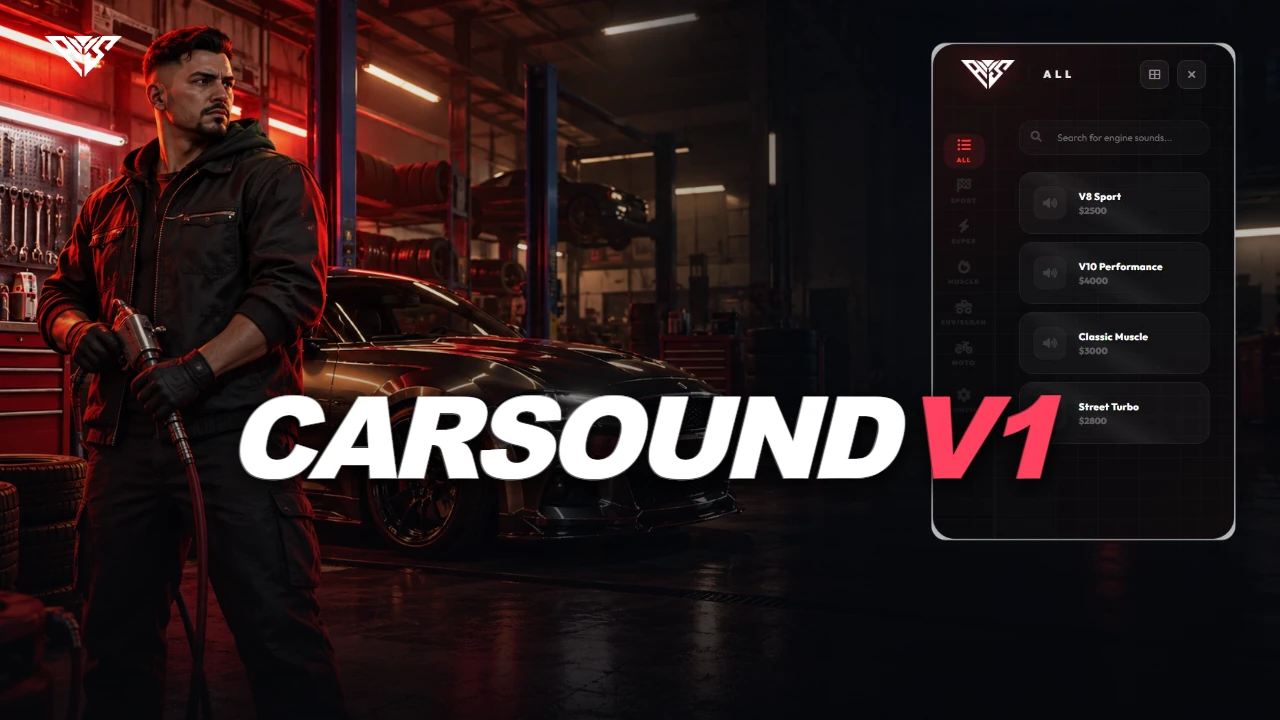
AWS CarSound V1
A workshop interface for previewing, purchasing and saving vehicle engine sounds by plate.
Read the guide ↗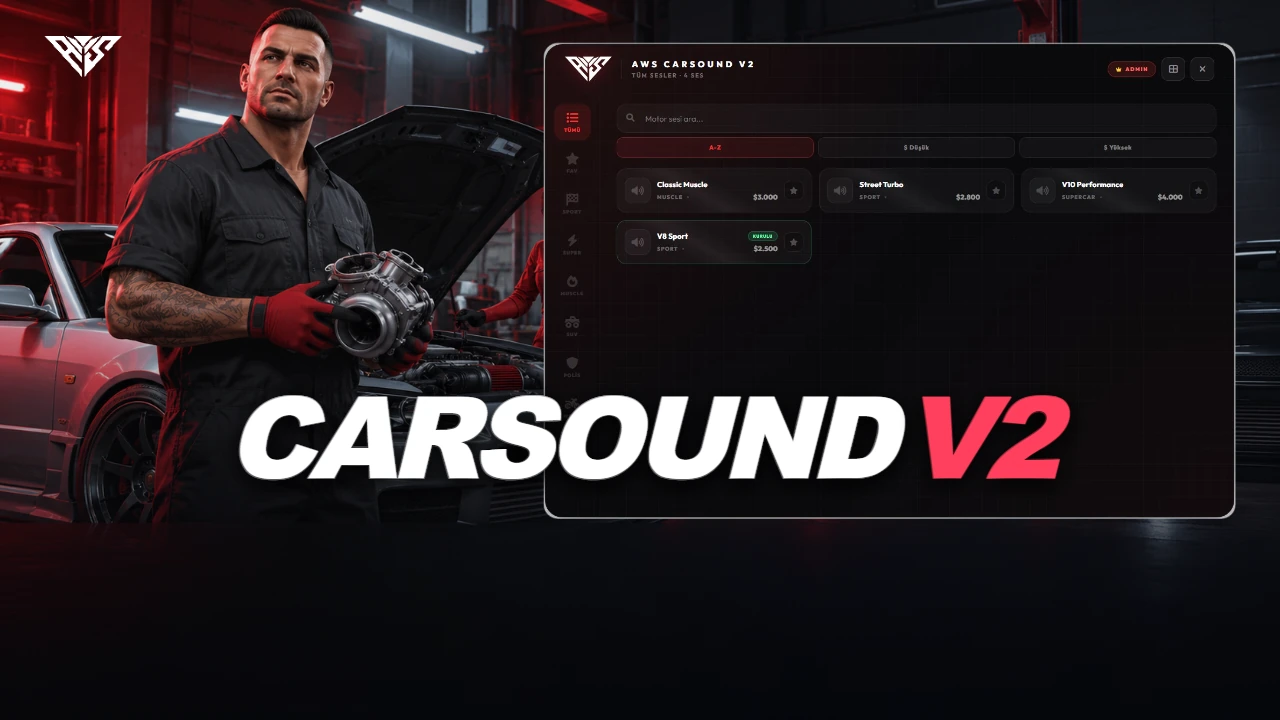 Vehicles
AWS CarSound V2
A vehicle sound workshop with configurable sound lists, favorites, rev previews and persistent plate-based installations.
Read the guide ↗ Vehicles
AWS Realistic Off-Road
Surface-sensitive vehicle handling with configurable sinkage, traction, tires and area exclusions.
Read the guide ↗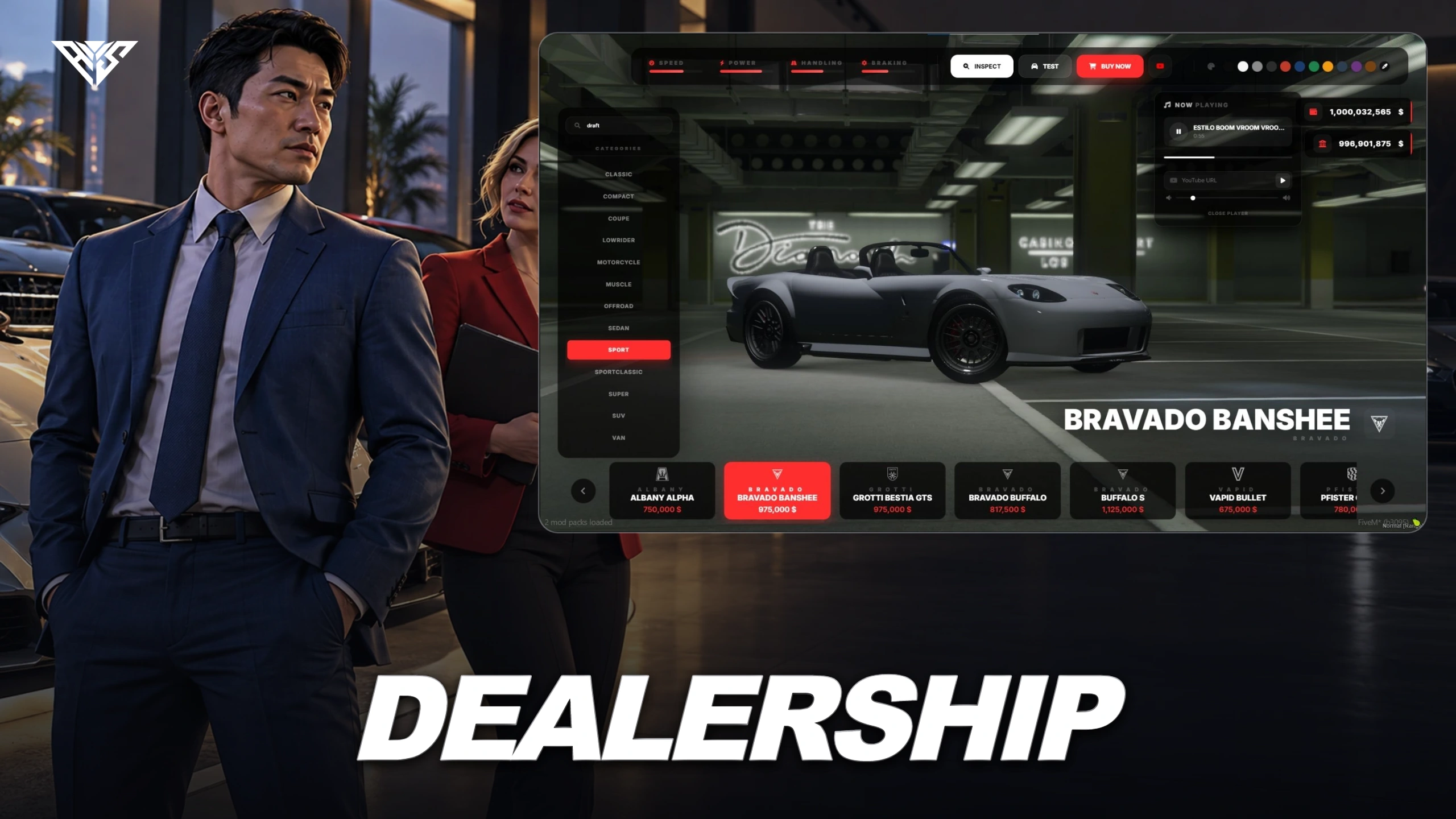 Vehicles
AWS Dealership
A vehicle showroom and dealership-management resource with stock, test drives and staff controls.
Read the guide ↗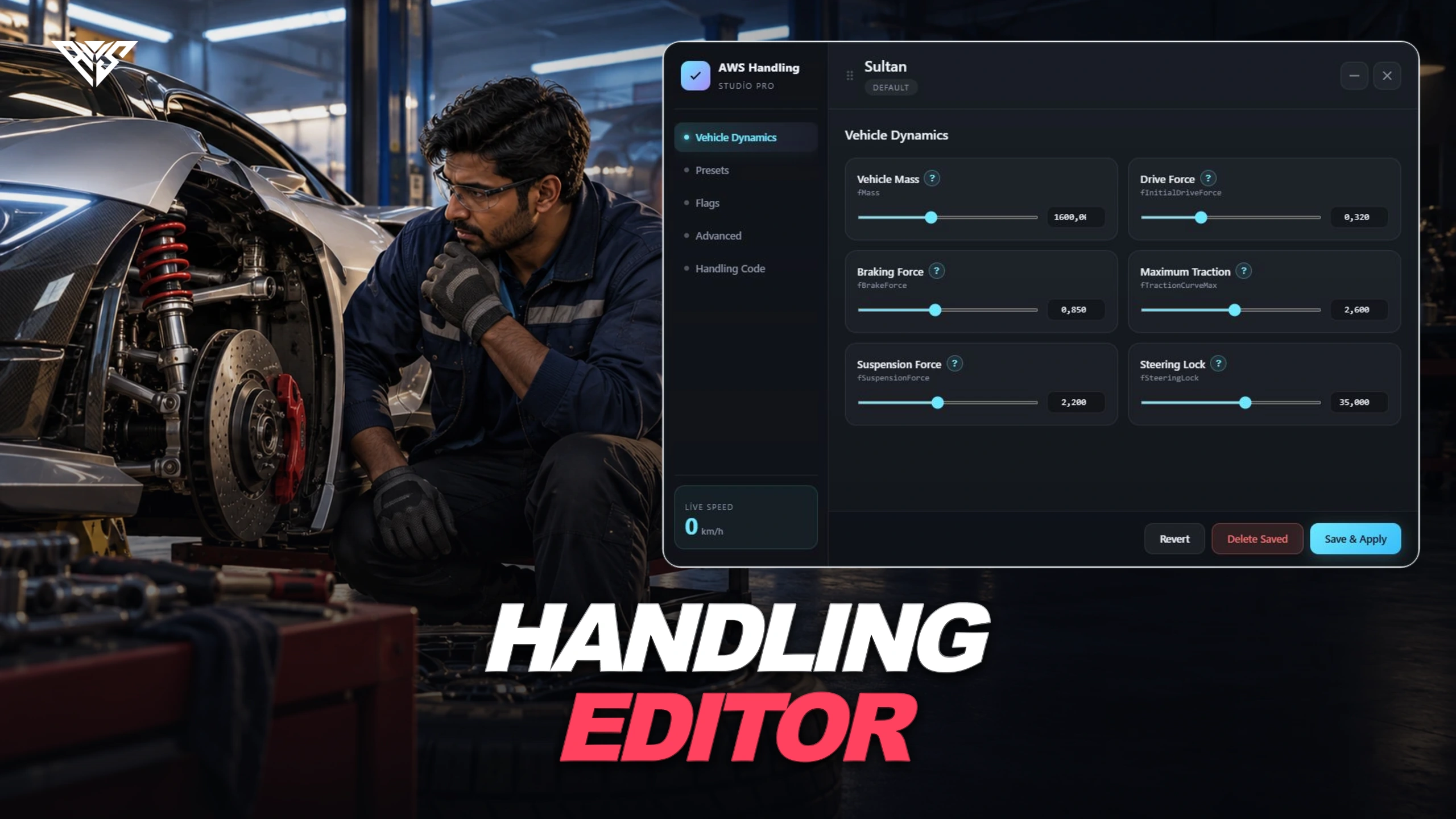 Vehicles
AWS Handling Editor
Permission-controlled handling editing with presets, JSON persistence and optional metadata writing.
Read the guide ↗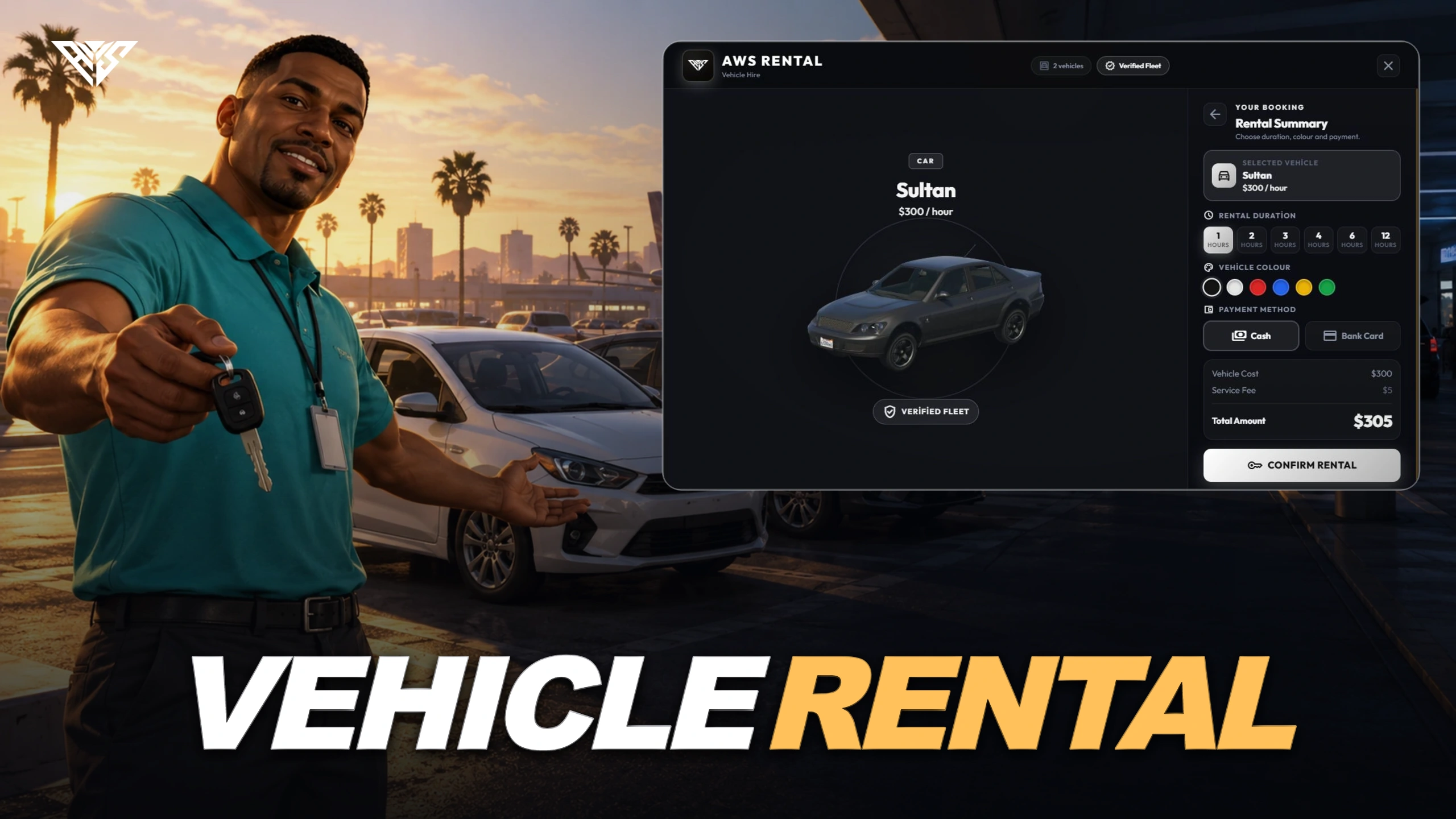 Vehicles
AWS Vehicle Rental
Vehicle rental with server-side pricing, identity/license checks, timed returns and rental papers.
Read the guide ↗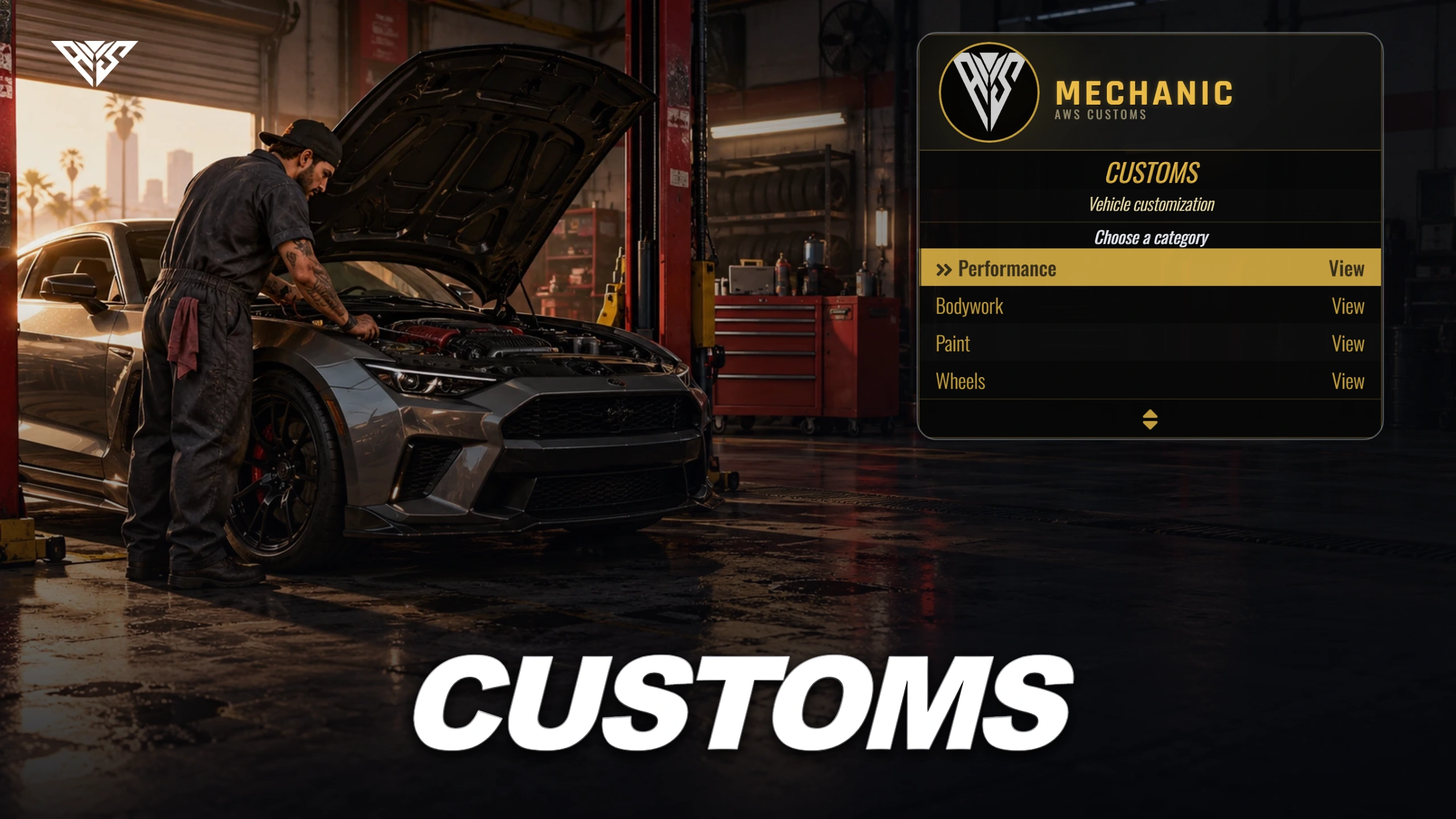 Vehicles
AWS Customs
Vehicle modification and repair shops with job restrictions and optional society payments.
Read the guide ↗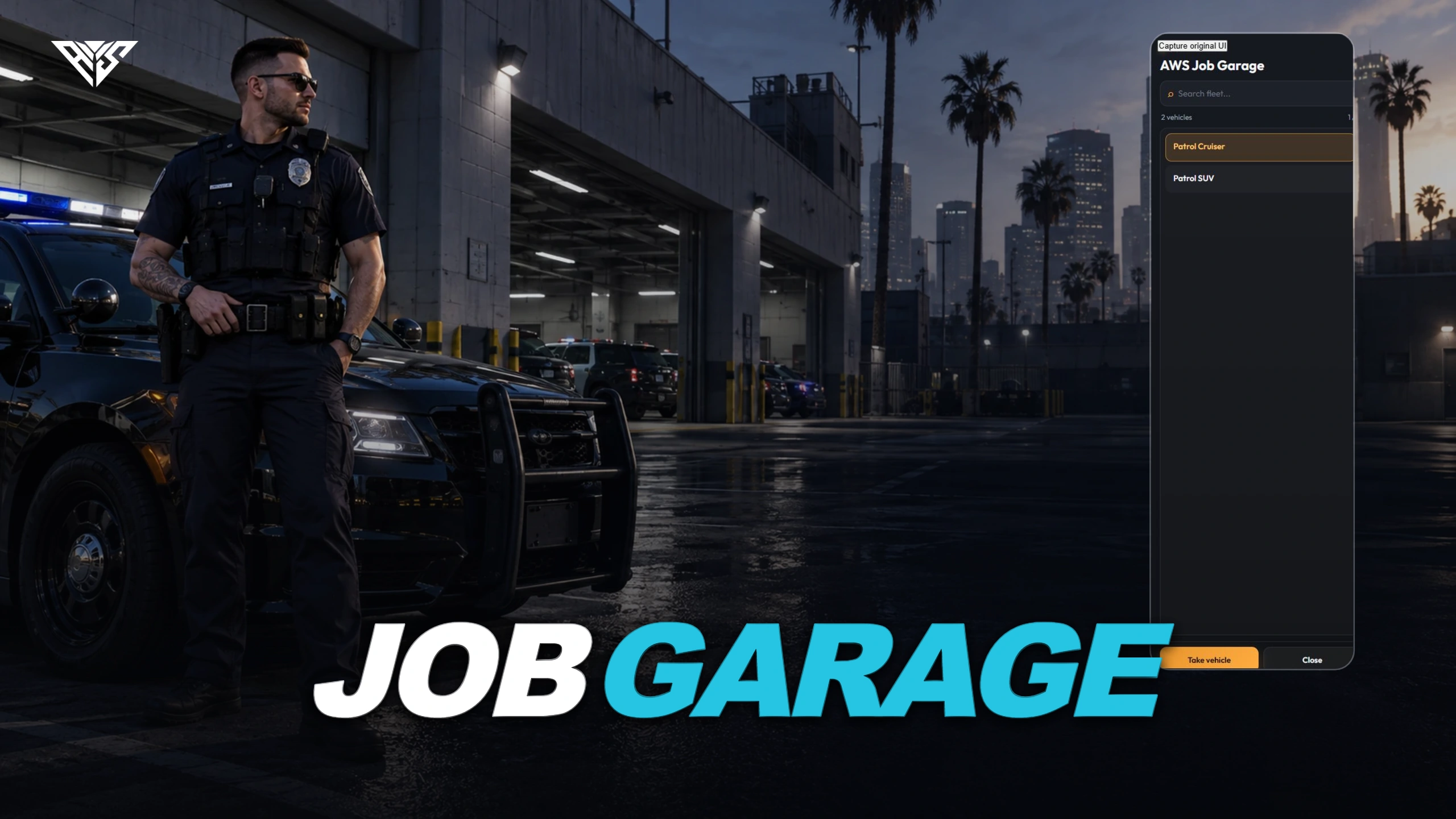 Vehicles
AWS Job Garage
Job/grade vehicle selection and configured spawning with key and fuel integrations.
Read the guide ↗A good install starts with the right files.
Keep your resource folder names, start dependencies first and back up your database. Each guide follows the actual files in its matching package.