 AWS DOCUMENTATION38 source-matched resource guides
Less guessing.
More building.
From your first installation to the settings that make it yours. Find the right guide for every AWS resource, all in one place.
Find your script
 Interface
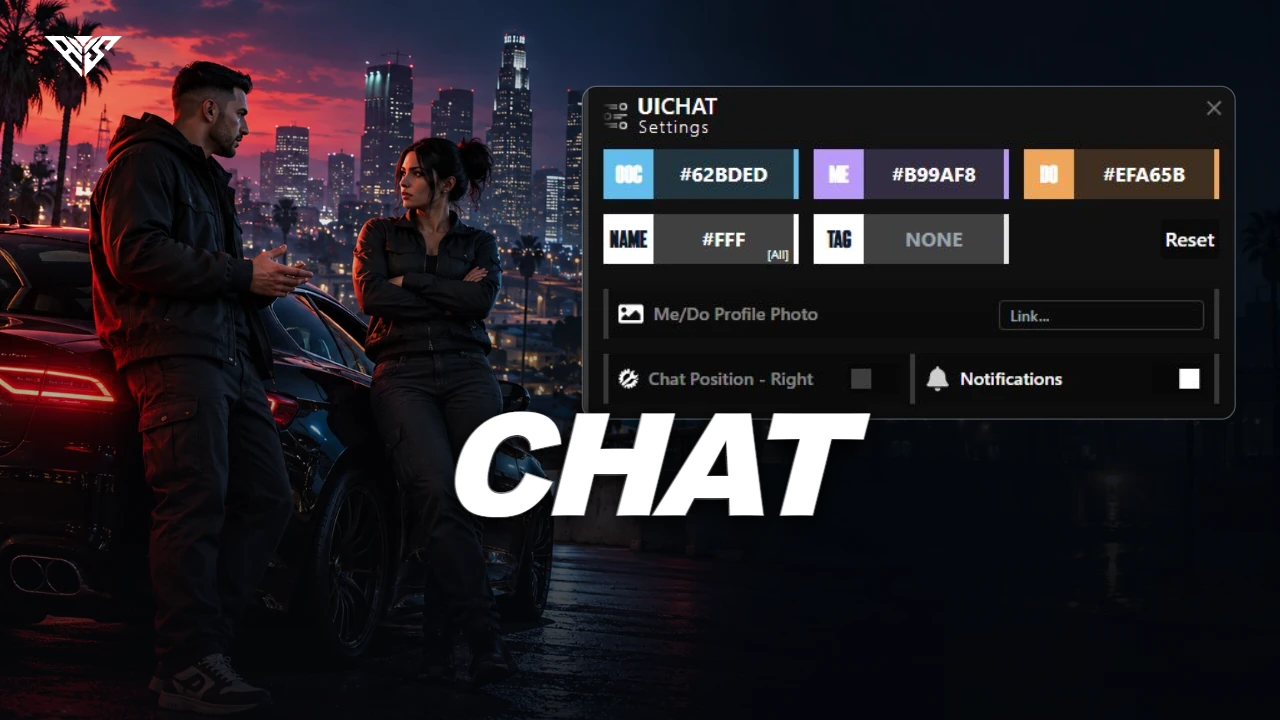
AWS Chat
A roleplay chat interface with local actions, job channels, announcements and configurable identity presentation.
Read the guide ↗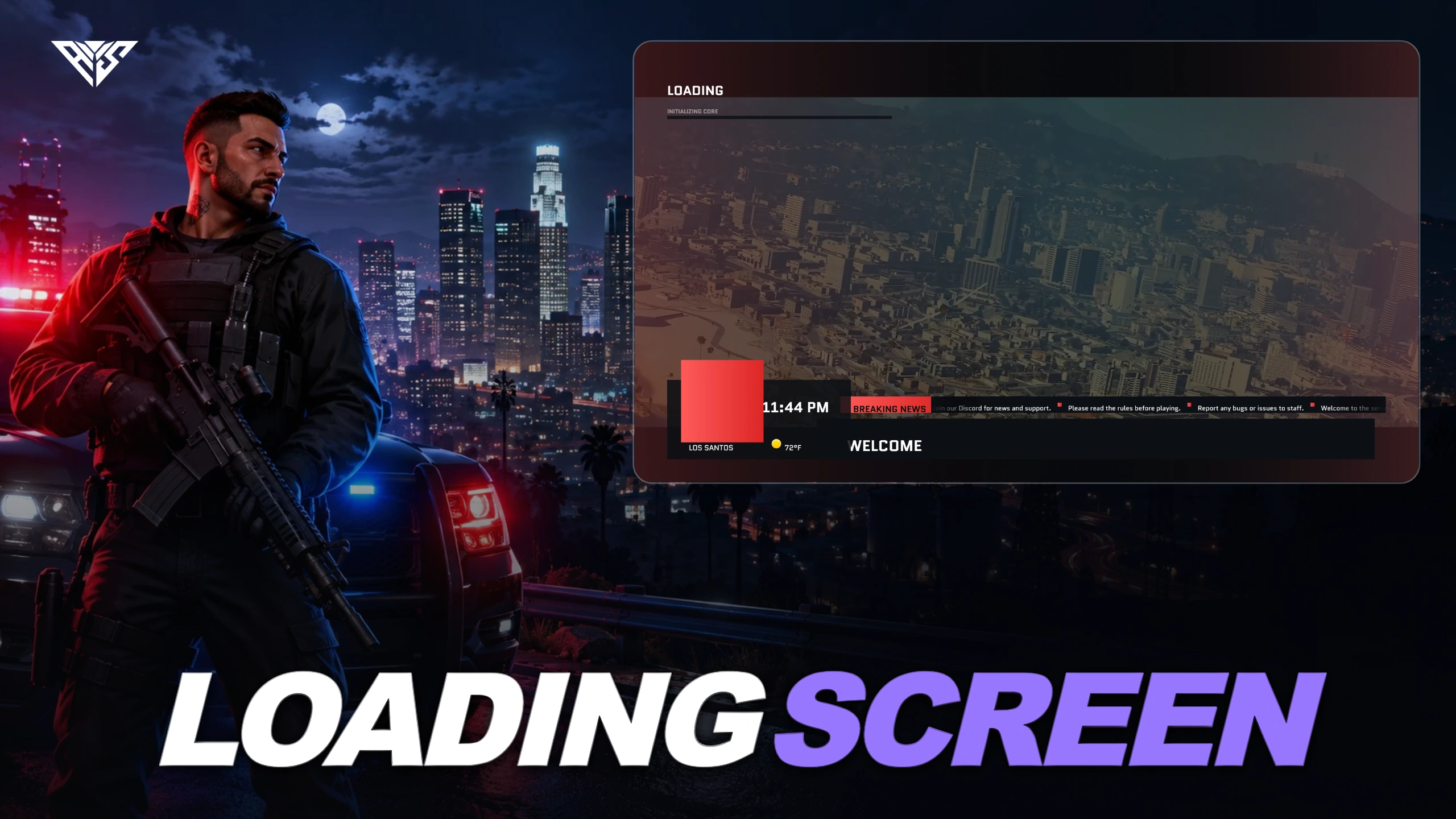 Interface
AWS Loading Screen
A configurable connection/loading screen with background video, server branding, ticker messages and framework-aware shutdown.
Read the guide ↗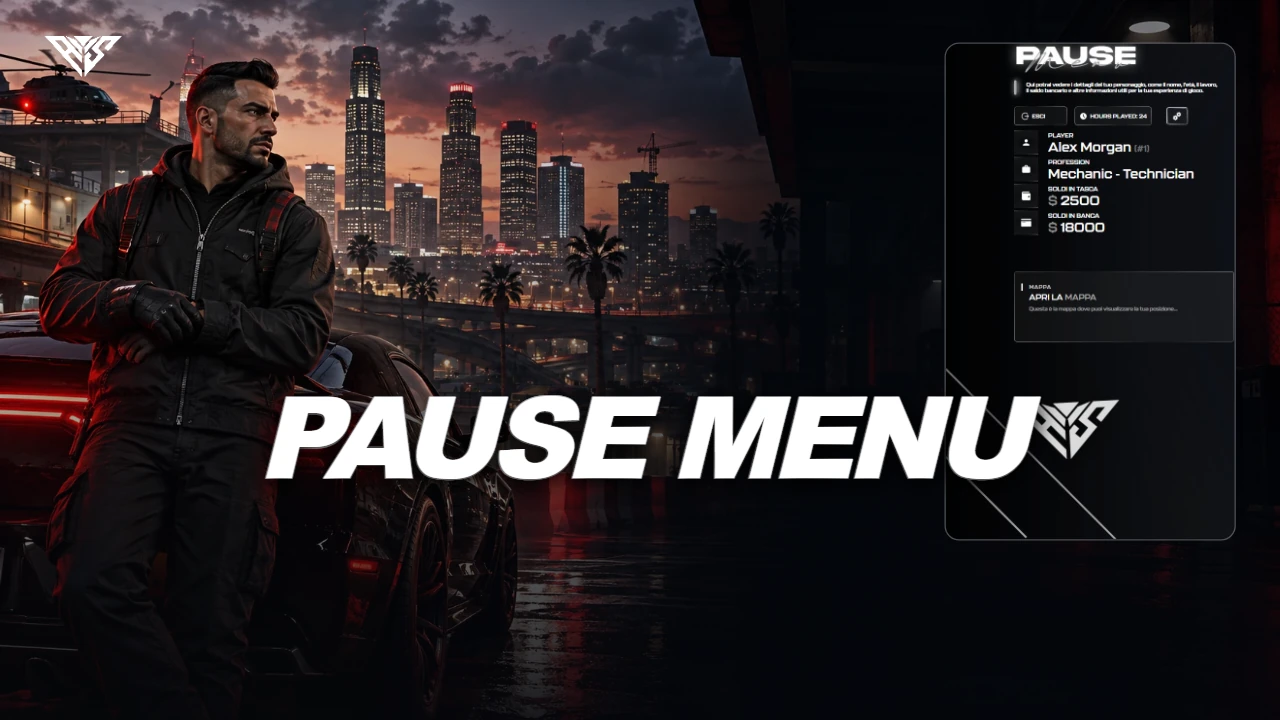 Interface
AWS Pause Menu
A custom pause interface showing character information, account balances, playtime, map access and social links.
Read the guide ↗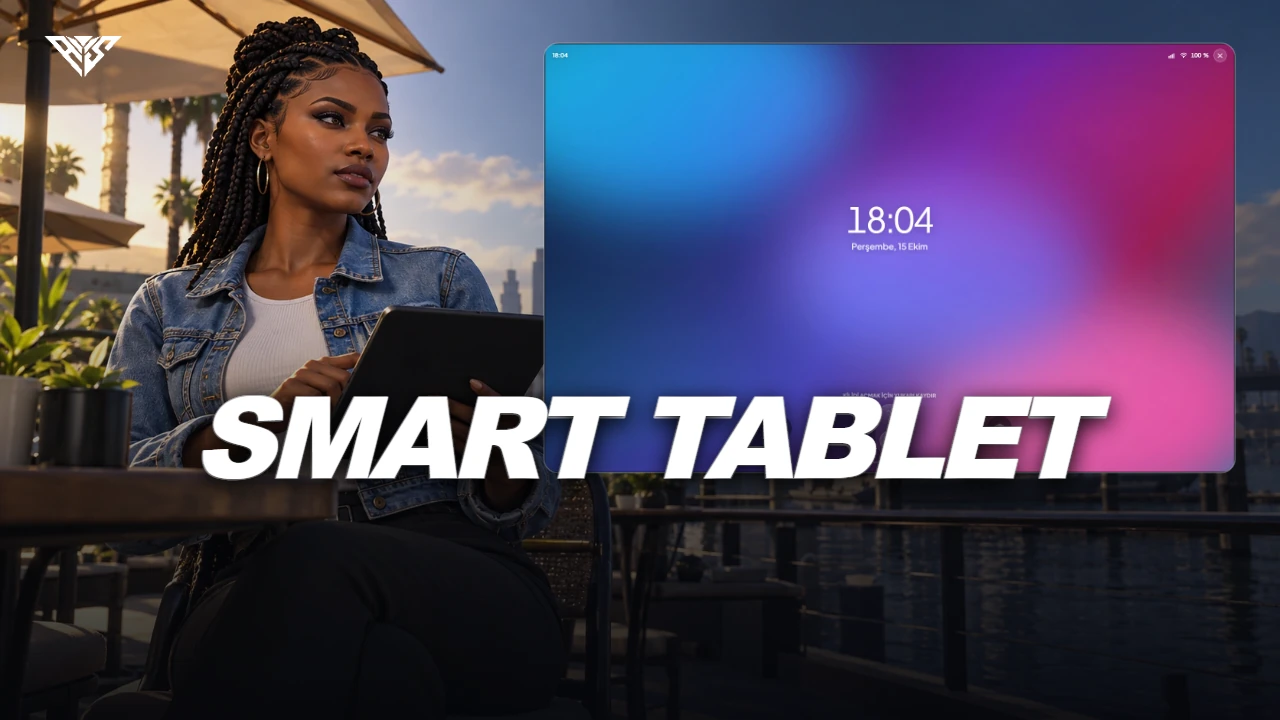 Interface
AWS SmartTab
An in-game tablet containing apps, games, music, camera tools, MDT and dispatch integrations.
Read the guide ↗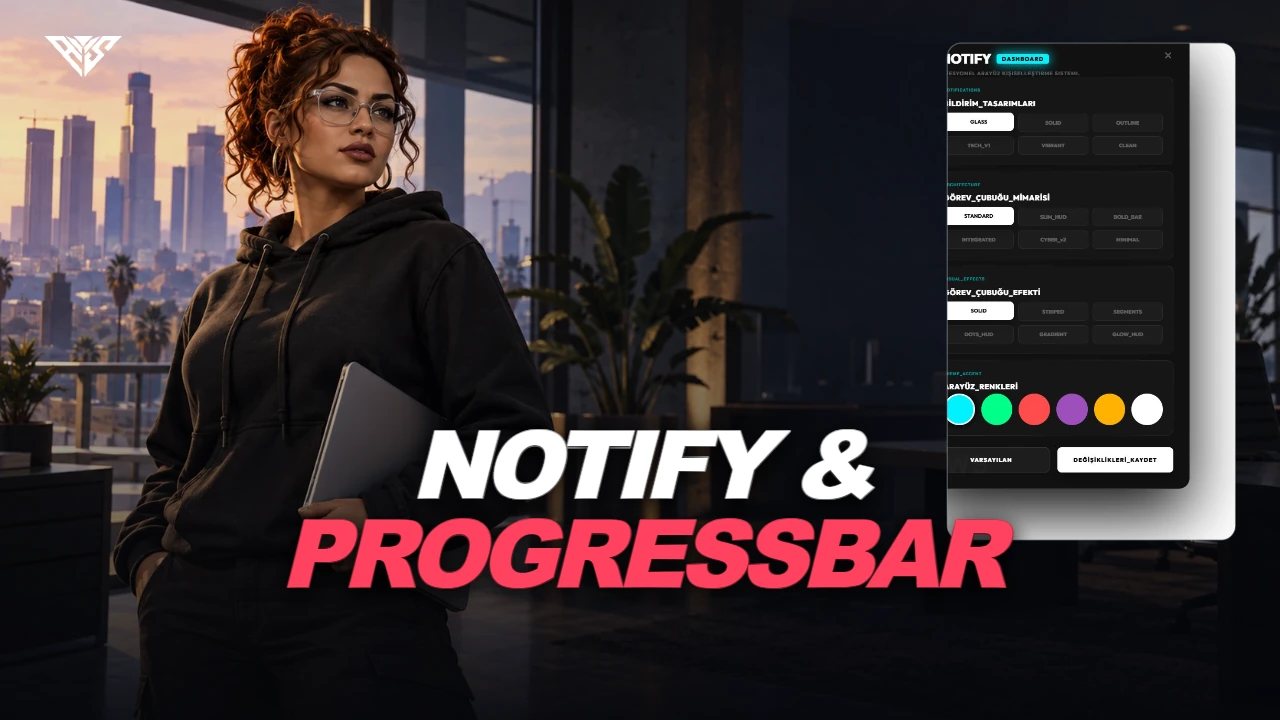 Interface
AWS Notify & Progressbar
Notification and progress-bar exports with an in-game appearance editor and saved client preferences.
Read the guide ↗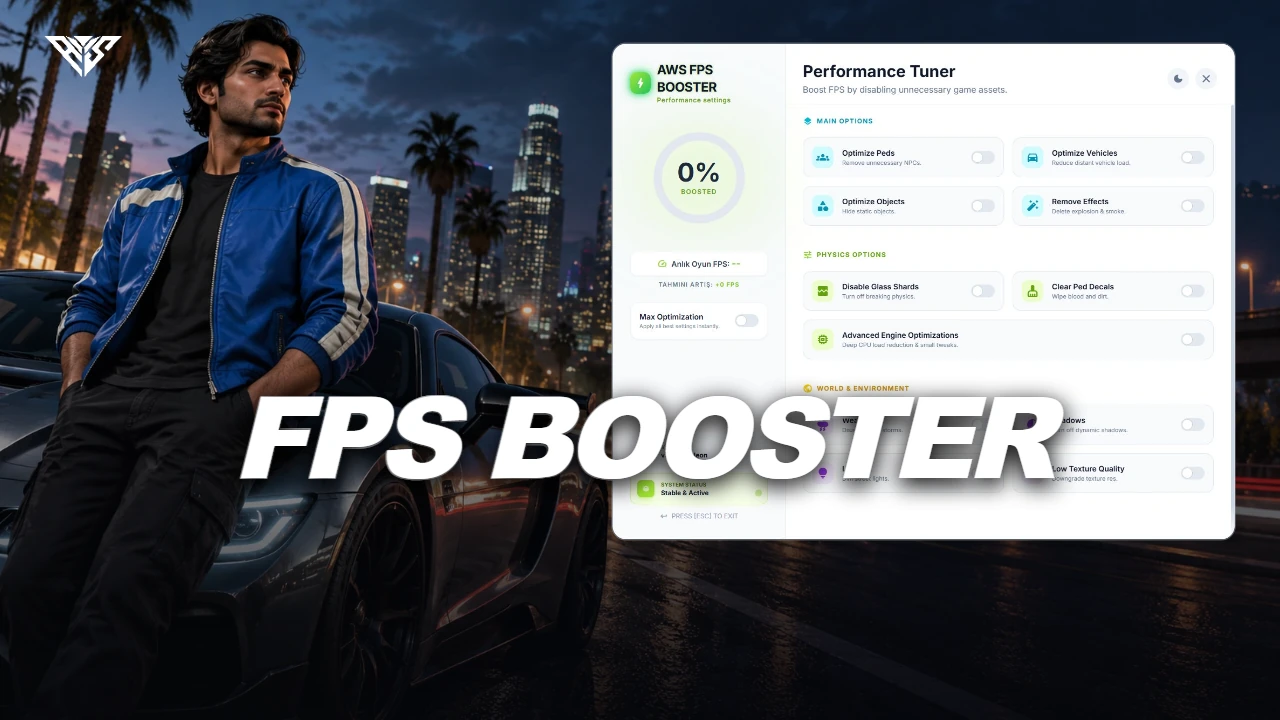 Interface
AWS FPS Booster
A client-side performance-options menu for configurable density, effects and visual settings.
Read the guide ↗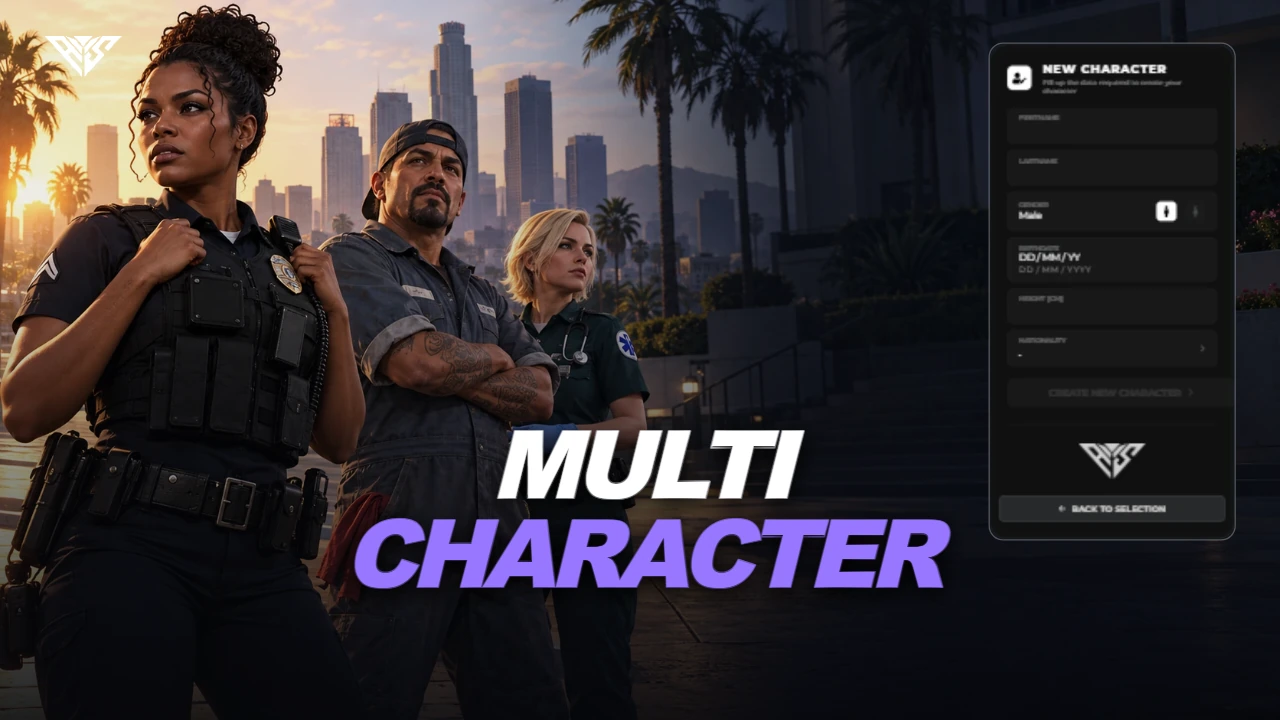 Interface
AWS Multicharacter & Spawn Selector
A character-selection and spawn interface with framework adapters, character slots and configurable appearance/housing integrations.
Read the guide ↗A good install starts with the right files.
Keep your resource folder names, start dependencies first and back up your database. Each guide follows the actual files in its matching package.