
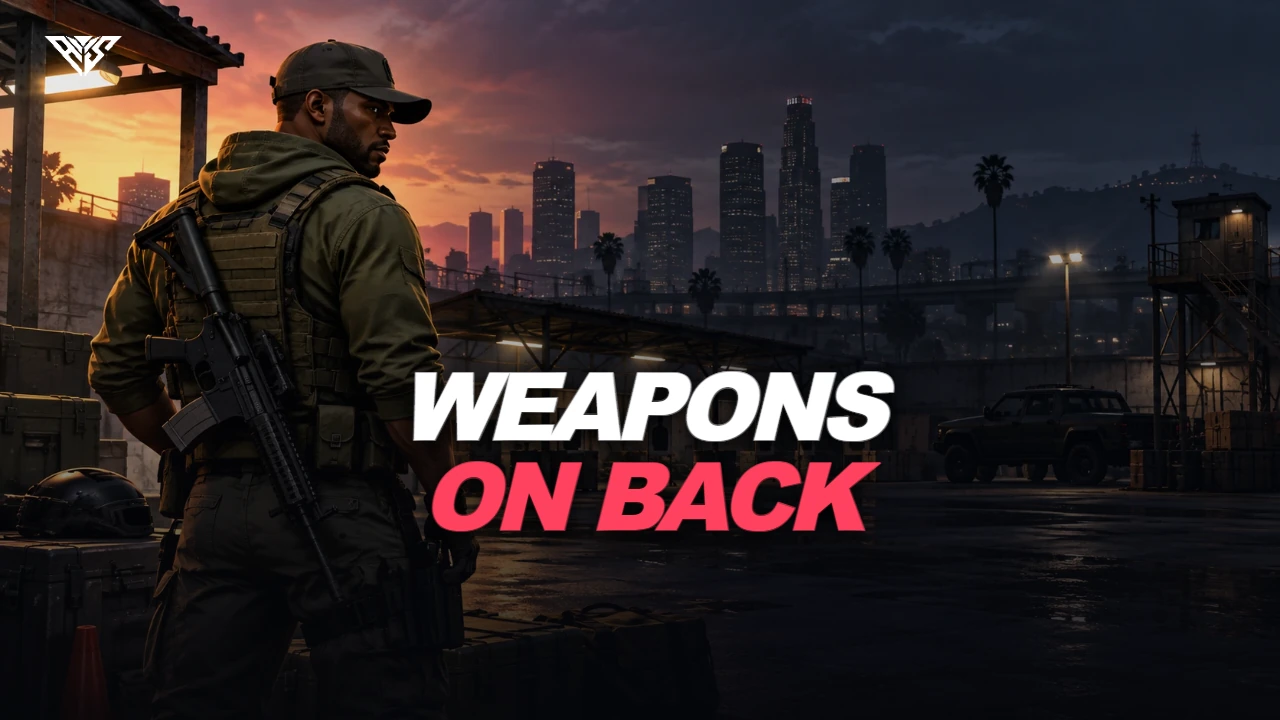
Visible holstered weapons
Configured weapons appear as attachments when equipped or holstered according to the resource rules.
- Weapon model and position presets define their appearance.
Visible holstered weapons with position presets and inventory bridge adapters.
Configured weapons appear as attachments when equipped or holstered according to the resource rules.
Visible holstered weapons
Adjust the fit
Inventory bridge support
Edit attachment positions for your models and character setup.
Visible holstered weapons
Adjust the fit
Inventory bridge support
Select the framework and inventory bridge supplied with the resource.
Carry a configured weapon
Equip or holster it
See the configured attachment
Visible holstered weapons with position presets and inventory bridge adapters.
ox_lib and ox_inventory in the supplied default manifest.
Set configs/config.lua to the selected framework and inventory. Other inventory adapters are included but need their own installed resources.
Use the included source and configuration to connect this resource to your existing server. The installation guide lists the required adapters, items and startup order.
Third-party frameworks, inventory systems and optional paid maps are separate.
ox_lib / qb-core / ox_inventory / aws-weapons-on-back
Need help with this package? Join 5,000+ developers for 24/7 expert support and community updates.
Detailed installation guides, configuration examples, and technical requirements for this resource.